
Skoda “Loading settings” & “Loading user profile” infotainment fault repairs
VAG Bolton are seeing more Skoda passenger vehicles with infotainment (dash board screens) displaying either of the following messages (depending on model and age of the vehicle):
- “Loading settings…” or
- “Loading user profile…”
These messages are displayed on the infotainment screen once the vehicles ignition is turned on. The system fails to boot correctly and displays the messages as above.
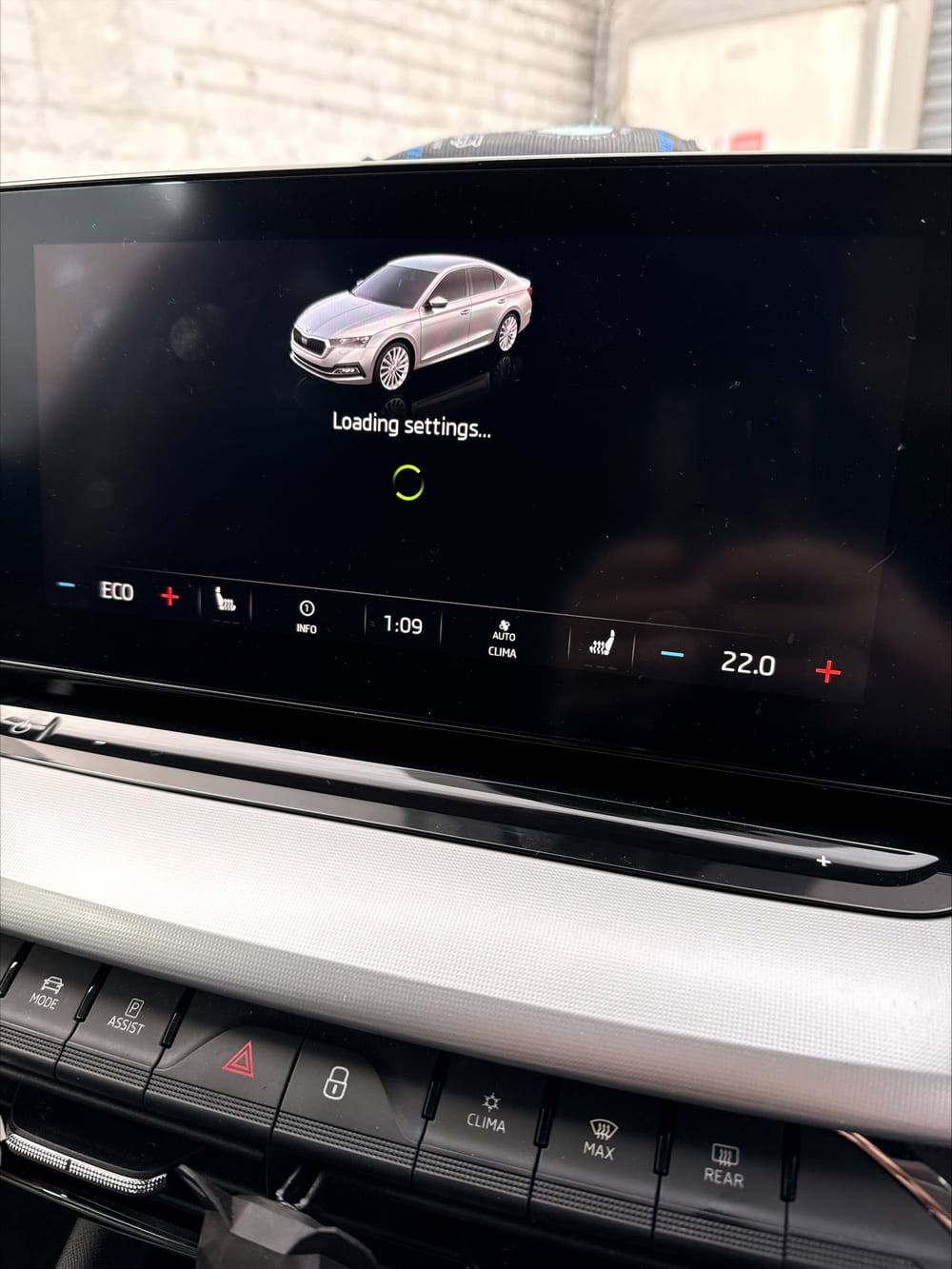
Photo shows a Skoda Octavia’s infotainment system constantly displaying the “Loading settings…” error message. The system fails to boot up correctly.
How to fix the Skoda “Loading settings…” issues
Sometimes a simple hard system reboot will fix the issue. To reboot your Skoda’s infotainment system, you should do the following:
- Hold down the power/volume button (either a physical knob or touch button) for at least 10 seconds. This will restart your vehicles infotainment system.
Software update
If rebooting your vehicles infotainment system fails to clear the “Loading settings…” message or the message returns then your cars infotainment system may need a dealer level software/firmware update.
Here at VAG Bolton we have the same diagnosis and technical systems as any VW main dealer. We can diagnose, fix or repair your Skoda’s infotainment system should you be experiencing any of these issues. Please contact us to discuss repairs to vehicles infotainment system.
- Factory trained technicians
- Recovery service available
- Genuine Approved VAG Parts
- Secure workshops
- 6 ramp workshop
- Fully Insured
- Highly rated